

Essential Gadgets for Setting Up a Remote Office
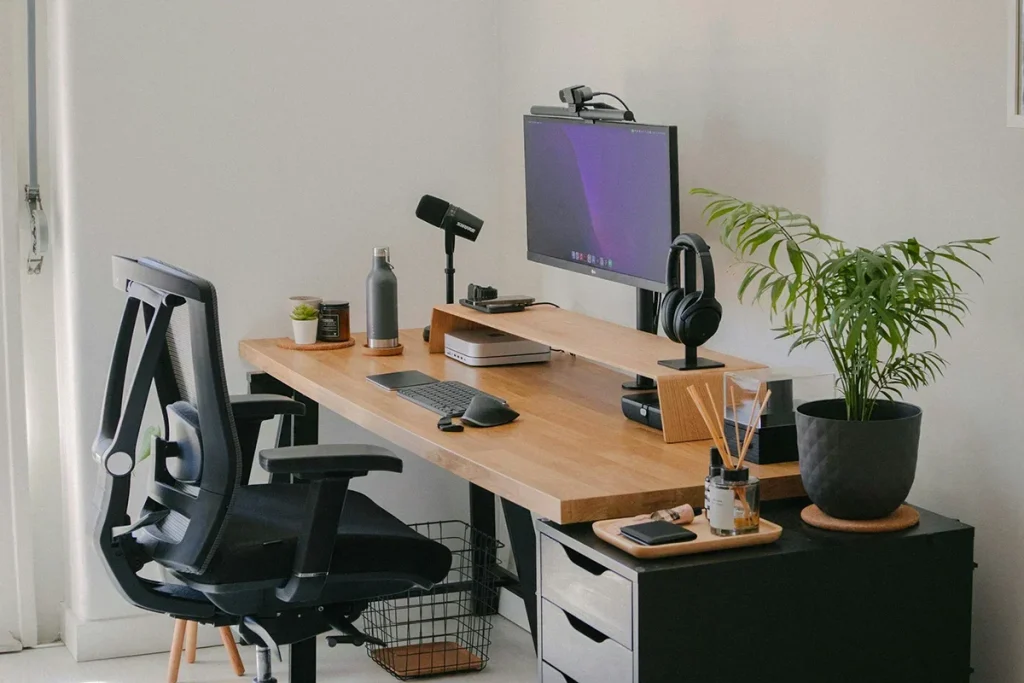
Transitioning to remote work offers unparalleled flexibility, but success in this new environment is directly tied to the infrastructure you build in your home. A makeshift desk at the kitchen counter is not a sustainable solution; it breeds poor posture and constant distractions. True productivity requires transforming a corner of your home into a dedicated, efficient workspace. While a powerful computer is the heart of your operation, specific peripheral gadgets can significantly elevate your performance, protect your health, and improve communication. This article outlines the absolute essential gadgets required to build a remote office that is both comfortable and professional.
High-Quality External Monitor
While the modern laptop is a miracle of portability, its internal display is a fundamental bottleneck for productivity. Staring at a single 13 or 15-inch screen for hours on end is inefficient and physically exhausting, limiting your ability to view large spreadsheets, multiple coding windows, or comparative documents simultaneously.
An external monitor is perhaps the most critical upgrade for your remote office setup. The increase in screen real estate allows you to organize your workspace digitally, running multiple applications full-screen without constant alt-tabbing. A 27-inch or larger display with at least QHD (2560×1440) resolution—or ideally 4K—dramatically improves readability and prevents the eye strain associated with squinting at small text. Furthermore, look for a monitor with ergonomic adjustments. The ability to control height, tilt, and swivel is essential to ensure the top of the screen is at or slightly below eye level, which is a key requirement for healthy neck posture. Models featuring USB-C connectivity are particularly convenient, providing both a video signal and laptop charging over a single cable, reducing desktop clutter.
Ergonomic Keyboard and Mouse
The stock inputs on a laptop are functional, but they are designed for mobility, not long-term comfort. Standard laptop keyboards force a cramped wrist position, and trackpads, though improving, require precision movements that fatigue small muscles in the hand. For anyone spending 40 hours a week inputting data or writing, investing in standalone ergonomic peripherals is non-negotiable.
The Dedicated Keyboard
A high-quality external keyboard allows you to position the device optimally, reducing strain. Mechanical keyboards are often favored for their tactile feedback, allowing for faster and more accurate typing with less force per stroke. Alternatively, specialized “split” or curved ergonomic designs position your hands in a natural, neutral posture, significantly reducing the risk of Repetitive Strain Injury (RSI) like Carpal Tunnel Syndrome. You don’t necessarily need an aggressive ergonomic split model, but moving away from the laptop’s membrane keys is a vital step.
The Vertical or Precision Mouse
The traditional mouse forces your wrist into a “pronated” (palm-down) position for hours, putting pressure on nerves and tendons. An ergonomic vertical mouse keeps your hand in a natural “handshake” position, relieving that tension. Alternatively, if vertical mice feel strange, high-precision laser mice offer customizable sensitivity and ergonomic contours that support your hand better than generic alternatives, allowing for smoother, less demanding control.
Reliable, High-Speed Router or Mesh System
Remote work demands flawless communication, whether it’s for video conferencing, large file uploads, or real-time document collaboration. While we often upgrade internet service plans, the bottleneck is frequently the outdated, low-end router provided by the ISP. Your entire digital workflow relies on a stable, high-speed Wi-Fi signal.
Modern work implies multiple connected devices (computer, smartphone, smart home tech), and a quality router is needed to manage traffic and minimize latency. For larger homes or those with multiple floors, a standard router may leave “dead zones.” In these scenarios, a Mesh Wi-Fi system is indispensable. Unlike traditional range extenders which cut bandwidth, mesh systems use multiple nodes that communicate with each other to create a seamless blanket of coverage across your entire living space, ensuring that you can take that important Zoom call from any room. Features to look for include Wi-Fi 6 (or Wi-Fi 6E) compatibility, which handles multi-device congestion far more efficiently.
Noise-Canceling Headphones with a Professional Microphone
Distractions are the greatest threat to focus in a remote environment. Leaf blowers, construction, laundry machines, and household members are constant challenges. Simultaneously, professional video meetings require that you are heard clearly, regardless of background noise at your location.
A premium pair of over-ear noise-canceling headphones serves two crucial purposes. First, Active Noise Cancellation (ANC) uses advanced electronics to physically reduce ambient noise, creating a quiet space that is vital for deep concentration. Second, these headphones almost always incorporate multi-microphone arrays designed specifically to isolate your voice. These mics feature advanced DSP (Digital Signal Processing) to eliminate external sounds like typing, pets, or HVAC systems from your transmission. While some may prefer discrete earbuds, large over-ear models typically offer superior noise isolation and extended battery life for back-to-back meetings.
Ergonomic Laptop Stand
If you do decide to work primarily from your laptop screen without an external monitor, a laptop stand is your first line of defense against neck pain. When a laptop is placed directly on a table, the user is forced to hunch forward, a posture that adds tremendous stress to the cervical spine.
A simple, adjustable laptop stand lifts the screen so the user can look straight ahead. Stands that elevate the screen by 6–10 inches bring the center of the display to a healthy viewing height. This setup requires you to use the external keyboard and mouse mentioned earlier, but it is a lightweight, ergonomic, and mobile configuration that can be deployed anywhere, from a coffee shop to a patio.
Robust Power Strip with Surge Protection
The modern desk is a hub of power-hungry devices, requiring energy for your laptop, multiple monitors, a lamp, a smartphone charger, and perhaps speakers. Wall outlets are rarely plentiful enough.
A robust power strip with at least 8 to 10 outlets is required to manage all connections safely. Critically, it must have integrated surge protection. Electrical surges from storms or grid fluctuations can easily destroy thousands of dollars in sensitive computing and monitoring equipment in a fraction of a second. Look for a strip with a high “Joule rating” (the measure of how much energy the surge protector can absorb before it fails) and includes USB-A/USB-C charging ports to further simplify the desktop area.
Full HD External Webcam
While laptop webcams are sufficient for casual check-ins, they are vastly inferior to dedicated external webcams. Poor-quality video translates to a less professional presence in client meetings, team calls, and presentations. In low light, built-in webcams produce grainy, dark footage.
An external webcam running at minimum Full HD (1080p) or 4K resolution provides much sharper video, better color reproduction, and significantly improved low-light performance. These cameras are designed to manage exposure dynamically. They usually offer specialized software that allows you to control field of view, zoom, and autofocus. A separate camera also gives you flexibility: you can mount it above your external monitor for a direct eye-contact angle, which is essential for engaging virtual communication. Some models include mechanical privacy shutters for absolute security.
Compact Desktop Charging Station
The “cable octopus” is a common desktop affliction, with various cables snaking across the desk to charge phones, tablets, and headphones. It creates visual clutter that can break concentration and makes the space feel unorganized.
A single, multiport USB-C desktop charger or a sleek, aesthetic wireless charging station centralizes this power demand. These chargers are powerful (look for models providing 65W or more via USB-C Power Delivery) and can provide optimized, fast charging to your phone, laptop, and peripherals simultaneously. Using one dedicated station reduces the number of individual charging bricks plugged into your power strip, significantly cleaning up your workspace.
Conclusion
Building a productive, professional, and healthy remote office involves strategic investments that go far beyond a fast computer. The central concept is ergonomics and minimizing friction. An external monitor provides the visual space needed for complex workflows. Ergonomic inputs preserve your long-term health. A strong Wi-Fi mesh system and noise-canceling peripherals guarantee that your connectivity and communication are professional and seamless. These are not luxuries; they are essential gadgets that transform a home corner into a true engine of productivity, ensuring your success in the remote landscape.
FAQ
Do I absolutely need a mechanical keyboard for ergonomic purposes? No, a mechanical keyboard is not an ergonomic requirement, but it is often a preference. Many ergonomic keyboards use membrane keys. The critical factor is the layout and angle of the board that allows your hands and wrists to remain neutral. Mechanical keys offer better tactile feedback, which some users find easier on their fingers over long periods.
My laptop webcam is 1080p. Do I still need an external one? Resolution (1080p) is only one factor in video quality. Laptop webcams have tiny sensors that perform poorly in anything other than perfect lighting. External webcams have much larger sensors and better lenses that produce sharper, more professional footage, manage exposure more dynamically, and are better at isolating and focusing on your face in real time.
Are noise-canceling headphones the same as just having noise-isolating ones? No. Noise isolation is passive, relying on the physical fit of the earcup or earbud to block sound, like earplugs. Active Noise Cancellation (ANC) uses electronics and microphones to listen to external sounds and generate anti-noise sound waves to actively cancel them out. ANC is far more effective against low-frequency engine or HVAC noise.
Will a Wi-Fi 6 router make my internet faster if I don’t have a high-speed plan? A Wi-Fi 6 router will not increase the maximum bandwidth coming into your home from your ISP. However, it will dramatically improve how that speed is distributed among the devices inside your home. It handles multiple connected devices much more efficiently and provides stronger, more stable connections, which is what often makes your connection feel “faster.“
Why shouldn’t I just use my couch or bed with a laptop desk? Working from a couch or bed is fine occasionally, but as a permanent setup, it is a recipe for orthopedic disaster. These surfaces do not support your spine, neck, or wrists in a healthy posture, leading to chronic back and neck pain. Proper ergonomics require a chair, a flat desk surface, and an screen at eye level.
What is “surge protection” on a power strip and why do I need it? Electrical surges can happen from lightning or power grid issues. They are massive spikes in voltage that can fry the delicate internal circuits of computers, monitors, and chargers in milliseconds. A surge protector (measured in Joules) is designed to absorb this excess voltage, acting as a sacrificial barrier to save your expensive connected devices. Standard power strips often have zero surge protection.
Why is natural daylight important if I have a good monitor and webcam? Natural daylight provides the best lighting for professional video calls (by facing the window) and dramatically improves your well-being. Exposure to natural light during the day helps regulate your circadian rhythm, improving mood, focus, and long-term sleep quality, which are vital for remote worker health.
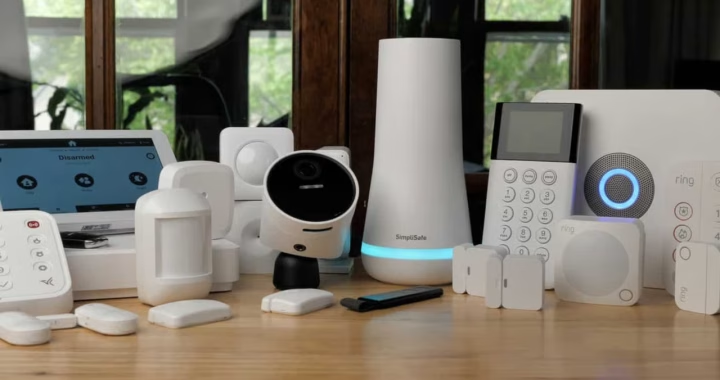 Top Energy-Efficient Smart Gadgets for Homeowners
  The Evolution and Impact of Gadgets in Modern Life
  Downturn Proof Gadgets With the Cloud
 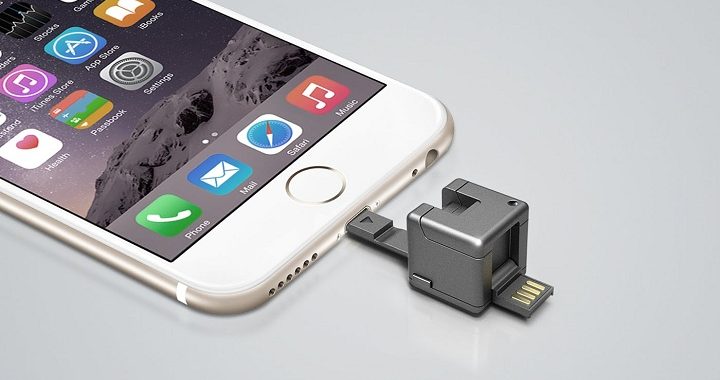 Awesome Smartphone Gadgets
 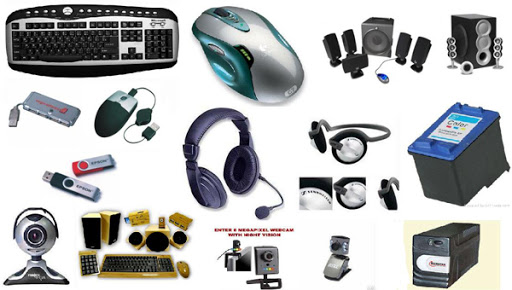 The Best Computer Gadgets On The Market
  Speaking Gadgets For Your Visually Impaired – Simplifying Existence
  A Comprehensive Guide to Modern WiFi Technology
  How Content Delivery Networks Speed Up the Web
  The Evolution of Live Streaming in Digital Marketing
  The Evolution of Operating Systems Across Platforms